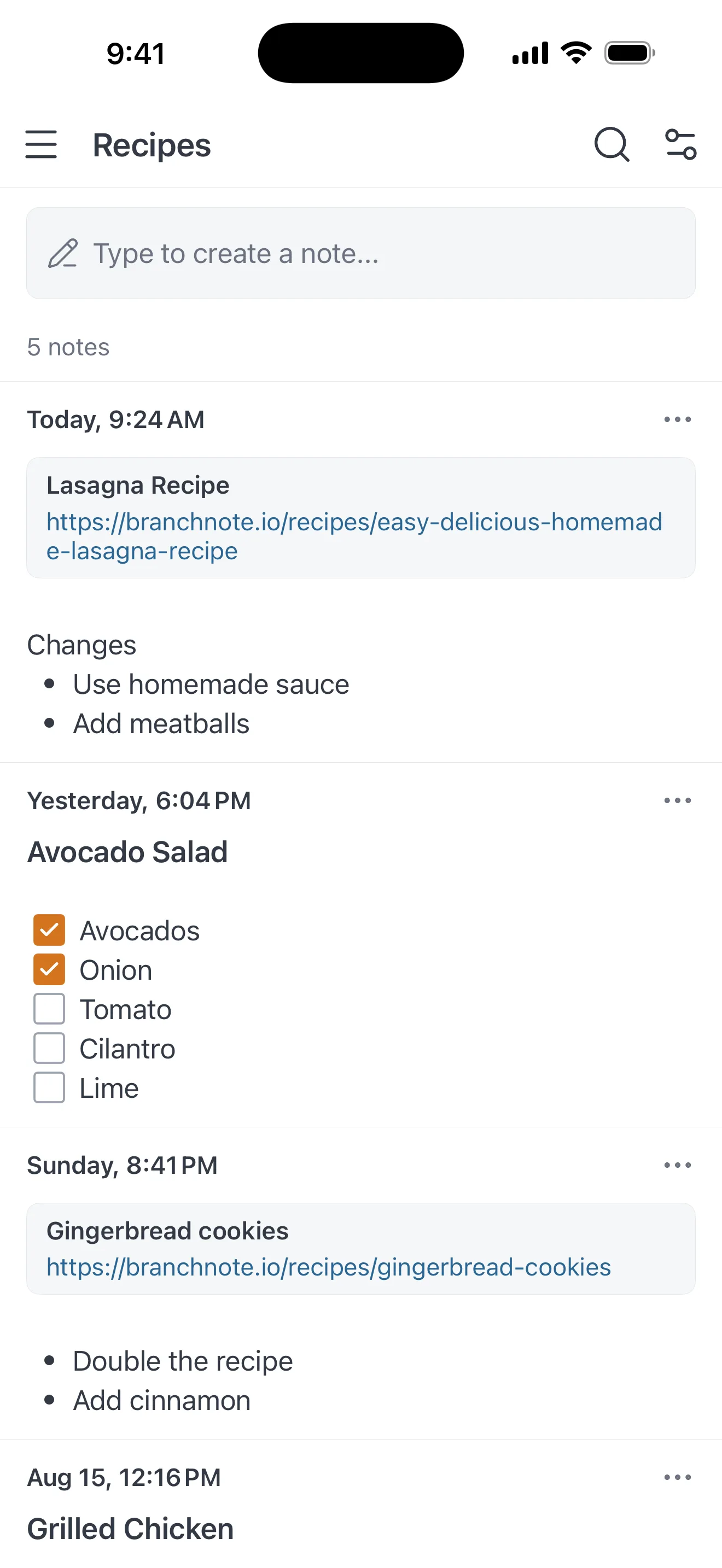
Group notes by topic
Make a branch for work, recipes, reading, half-formed ideas — whatever you actually keep notes about. Every note lives in exactly one branch, so you always know where to find it.
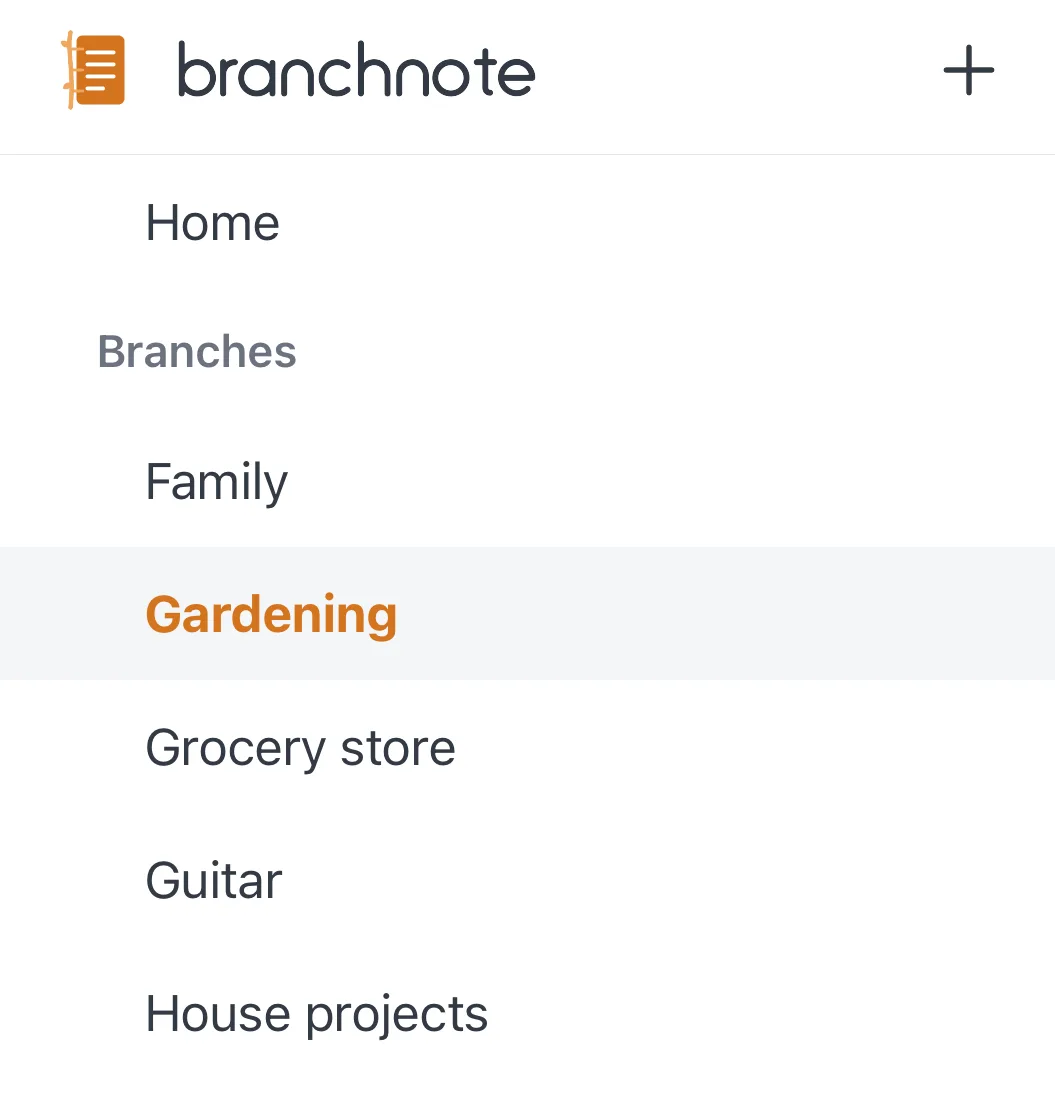
A feed, not a filing cabinet
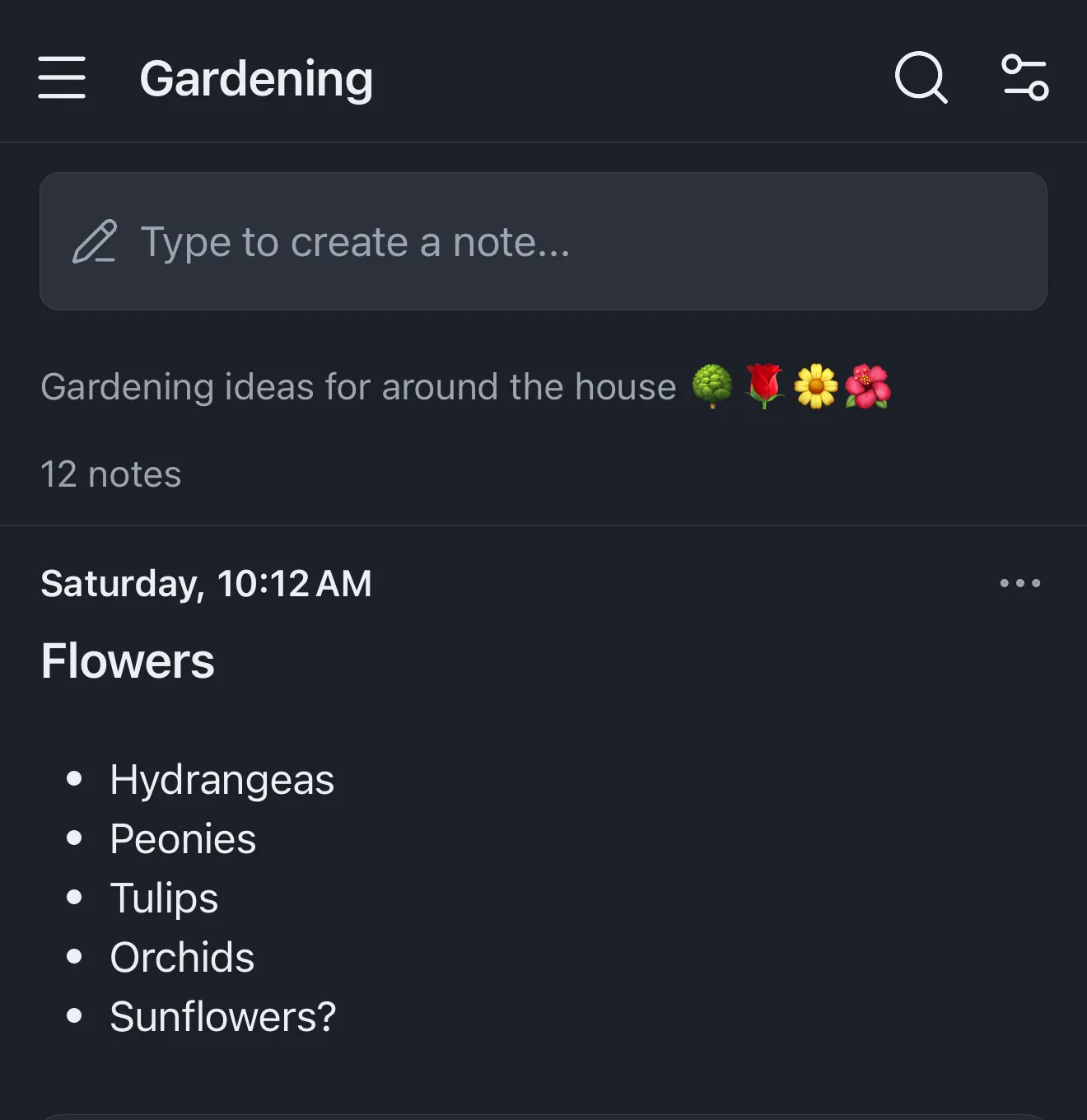
Home shows every note you have, each one tagged with the branch it belongs to — tap a tag to jump straight to that branch. Order any feed by when notes were created or last updated, newest or oldest first. No folders, no hierarchy.

Markdown, styled as you type
Headings, bold, italics, links, bullet and numbered lists, and checkboxes you can tick right in the note — nested up to four levels. Formatting renders as you type, so a note looks the way you meant it while you write it.
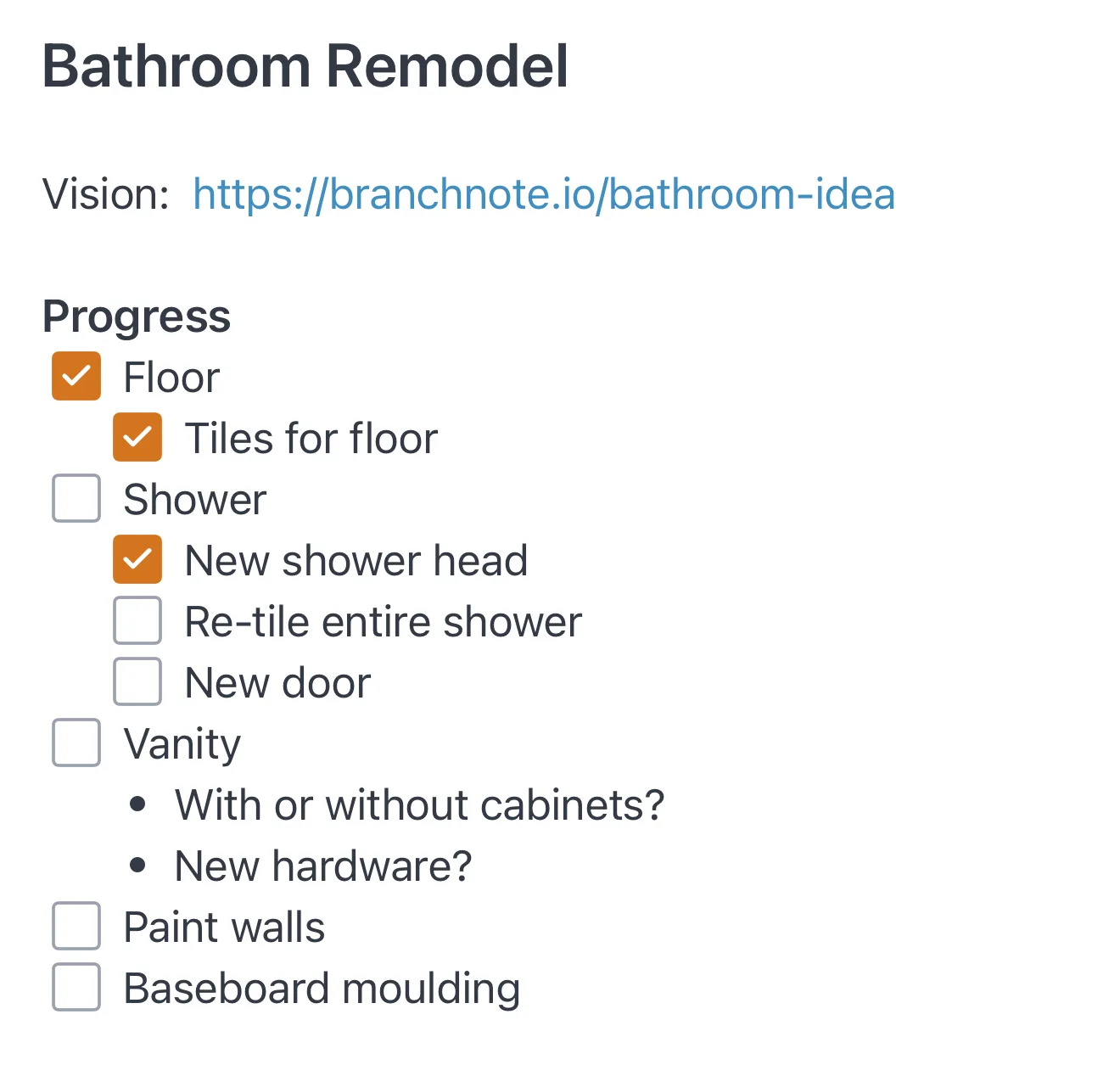
Find anything instantly
Full-text search across every note, ranked by relevance, with matching excerpts pulled out and your search terms highlighted right in the results.
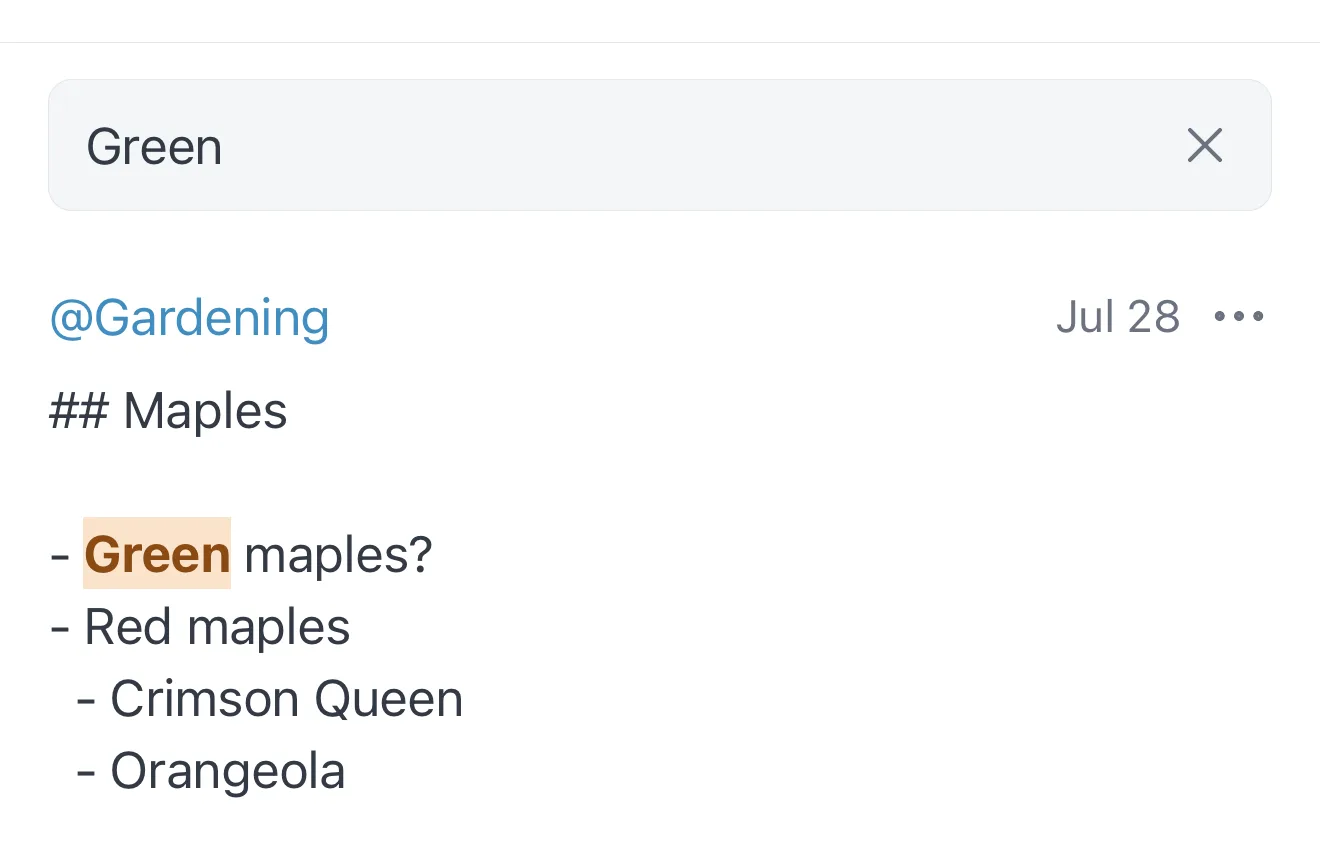
Light and dark
Pick light or dark, or let branchnote follow whatever your phone is already doing. It switches with the system, so late-night notes never arrive as a screenful of white.
Move notes between branches
Filed something in the wrong place, or a topic outgrew its branch? Move any note to a different branch — an existing one, or a new one you name on the spot. Nothing is retyped and nothing is lost.
Locked when you come back
Set a passcode and branchnote locks every time you return to it. Unlock with your passcode, or with your face or fingerprint if your device supports it. Your notes stay covered in the app switcher, so a glance at your phone gives nothing away.
Backups you control
Copy your notes into a single file and save it wherever you like — then restore it on a new phone. The file is a plain database you can open yourself, so keep it somewhere you trust.
Privacy
No account. No servers. No analytics.
branchnote doesn't send your notes anywhere, so there's nothing for you to take on trust. There is no backend to breach, no account to compromise, and no telemetry pipeline quietly measuring how you use it.
Stored on your device
Your notes live in the app’s own storage on your phone, where other apps can’t reach them. branchnote never uploads them, and we never receive a copy.
Nothing to sign up for
No email, no password, no profile. Open the app and start writing.
No network calls
The app has no server to talk to. The only time it opens a connection is when you tap a link you saved yourself.
No tracking, no third parties
No analytics SDKs, no crash-reporting services, no advertising identifiers, no data collected.
Questions? Get in touch.